
No Steam Deck rating yet. Minimum specs sit well under Deck hardware, but reported 45fps dips and a demo resolution cap remain open questions.
Belmonts Curse Steam Deck: Settings to Try First
Belmont's Curse runs on a Steam Deck, and the PC specs Konami published sit inside what Valve says the handheld ships with. What nobody has is a verdict: as of 5 October 2026 Steam has assigned the game no Deck compatibility rating, and Deck owners playing the free demo report three unresolved complaints — frame rate dips, a resolution ceiling, and a frame limiter that does not do what its label implies.
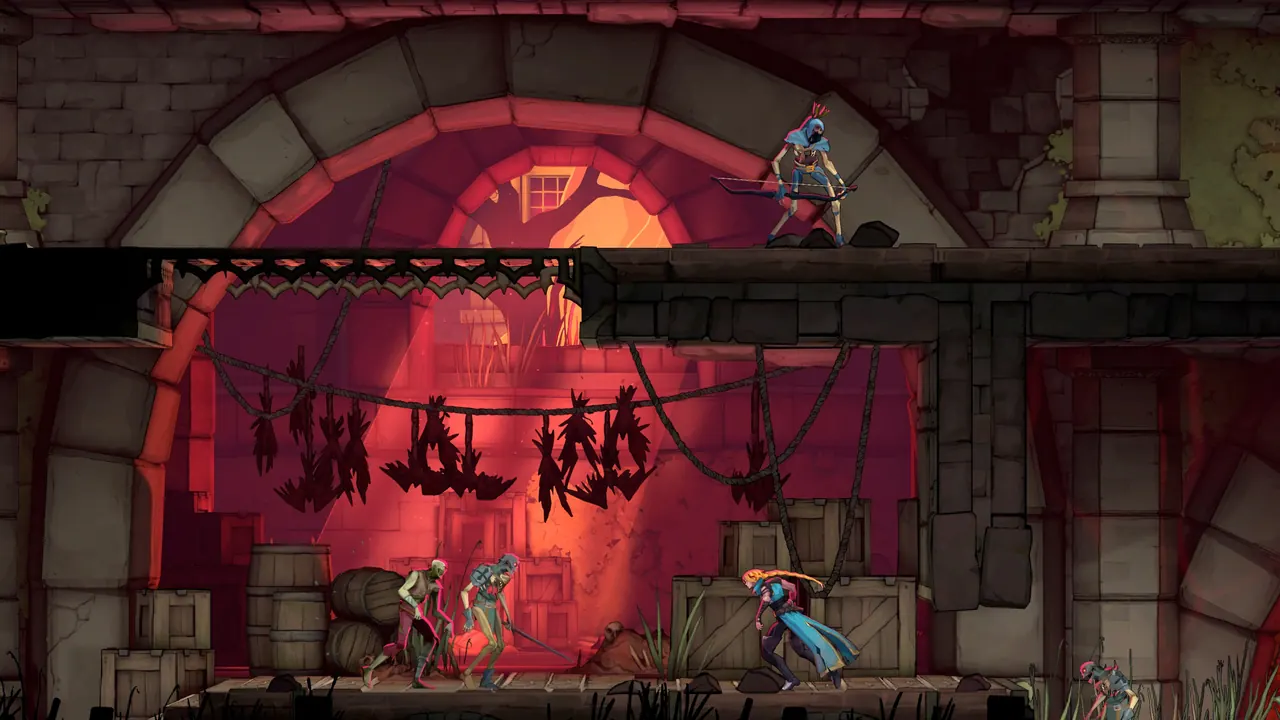
Steam has published no Deck rating for Belmont's Curse
The game's Steam store page carries a Steam Deck compatibility block, and that block is empty — no Verified badge, no Playable label, no Unsupported flag. Valve has not assessed the game either way.
That is not the same as Unsupported, which is a judgement Valve made — this is an absence of one. The cost is concrete: no performance preset, no Proton recommendation, no signal that the developer expects Deck play at all. Ratings appear without announcement, and this game is due 15 October 2026 — so this is the section most likely to go stale.
Steam Deck hardware against the published PC specs
| Requirement | Minimum | Recommended | Steam Deck OLED (Valve's figures) |
|---|---|---|---|
| OS | Windows 11, 64-bit | Windows 11, 64-bit | SteamOS 3 via Proton, not native Windows |
| Processor | Intel Core i5-8400 | Intel Core i5-10400 | AMD Zen 2, 4c/8t, 2.4–3.5 GHz |
| Memory | 16 GB RAM | 16 GB RAM | 16 GB LPDDR5, 6400 MT/s |
| Graphics | GeForce GTX 1650 | GeForce RTX 3060 | 8 RDNA 2 CUs, 1.6 GHz, 1.6 TFlops FP32 |
| DirectX | Version 11 | Version 11 | Provided by Proton |
| Storage | 10 GB available | 10 GB available | 512 GB or 1 TB NVMe, plus microSD |
| Frame target | 60 fps on PC | 60 fps on PC | 1280×800 HDR OLED, up to 90 Hz |
Read line by line, because the lines do not mean the same thing. Memory is an exact tie at 16 GB — Deck is neither ahead nor behind, and a minimum spec is a floor Konami chose and chose high. Storage is a non-issue: ten gigabytes against 512 GB or 1 TB constrains nothing.
The OS line is the one most people misread. "Windows 11" describes Konami's build. A Deck runs SteamOS 3, an Arch-based Linux system, and reaches Windows through Proton — the layer where the variability below comes from.
The GPU is the one line a spec sheet cannot settle. GTX 1650 is a discrete desktop card, and Valve publishes no equivalent desktop number to compare the Deck's 1.6 TFlops FP32 against. A minimum below your hardware is not a promise that you will hit the 60 fps target on Konami's official site — which is what Deck players report. Those are the OLED figures; Valve gives no graphics throughput for the LCD model.
Official source: Valve — Steam Deck tech specs — "GPU: 8 RDNA 2 CUs, 1.6GHz (1.6 TFlops FP32)"; "RAM 16 GB LPDDR5 on-board RAM (6400 MT/s quad 32-bit channels)".
The demo lists nothing but "Requires a 64-bit processor and operating system" — no CPU, no RAM, no GPU. Only the full game's listing carries the sheet above. Do not read that empty panel either way.
Three Deck reports from the demo, none resolved
Every item is a player report from the demo as of 5 October 2026. Konami has published no patch notes, no known-issues list and no performance roadmap, so none of it has official standing.
| Report | Source | What it describes |
|---|---|---|
| "Very frequent dips to 45 fps", plus stuttering that is "not screen tearing" | Steam — First Impressions (Steamdeck) | A Deck OLED owner who finished the demo and would wait for a patch before buying |
| Menus and icons "half off the screen like it's not scaling to the steam decks 16:10 screen properly" | Steam — Start menu is cut off on steam deck/16:10 | A 16:10 scaling fault, not a performance one; several owners confirmed it |
| Only 720p and 1080p selectable, "at least for the demo" | Nintendo Life demo thread, PC demo player | A resolution ceiling, reported the day the demo went live |
The Deck's native screen is 1280×800, and owners describe the demo running at 1080×720 by default — a 3:2 frame inside a 16:10 panel, which is where the menu crop comes from. The same player wrote that capping at 45 fps "runs ok at that": playable, not clean. The wider frame rate argument, including the "Limited FPS" naming, is on the FPS and settings page.
Four settings to change before you judge it
| # | Change | Where | Who reports it working |
|---|---|---|---|
| 1 | Force 720p instead of the 800p default | Steam properties | The owner who posted the menu-crop fix; several others confirmed it |
| 2 | Compare unlimited against 60 in the in-game limiter | In-game settings | Same owner: limiting to 60 made it "run 40", removing the cap let it pass 60 |
| 3 | Toggle VSync on and off | In-game settings | One owner found it smooth at one setting only; no controlled test posted |
| 4 | Try a newer Proton build | SteamOS settings | Owners report different results on Proton Experimental, GE and the default |
Step 2 is the one people skip and the one worth a real A/B test, because the report is counter-intuitive: on that player's Deck the limiter did not hold 60, it delivered 40.
The 16:10 crop has a one-line fix
In Steam's properties for Belmont's Curse, set the forced resolution to 720p rather than the default 800p. The poster who hit the crop is explicit about the trade: "It will make black bars but will fix the crop and the stretched image." Another owner hoped Konami would patch it back to 800, which tells you the community reads 720 as the workaround and 800 as correct. If the game will not open at all, that is a different problem with its own answers on the black screen page.
Proton builds change the answer
A Deck owner in r/SteamDeck reports that "with Proton Experimental or GE, it runs at almost 60 FPS most of the time, but there are still some areas where it drops to 40–50 FPS." A separate r/metroidvania thread puts Deck performance "around 55–70 FPS" while finding it stuttery at moments.
That spread — 45, 55–70, "almost 60 most of the time" — is the point: nobody is measuring the same configuration. A desktop owner in the Steam forums credits Proton GE 10-34 with "240 fps, with stutters only happening while interacting with npcs", which does not transfer to a Deck but does establish that the compatibility layer changes behaviour materially.
What the demo cannot tell you
None of the above measures the full game. The demo is the opening chapter — Paris streets, the sewers, one boss — and the full game launches 15 October 2026 with no published performance detail.
| Question | Status as of 5 October 2026 |
|---|---|
| Full-game performance on Deck | Unknown — the game has not launched |
| Whether the demo's resolution ceiling changes before release | Unknown |
| Whether the frame dips survive a patch | Unknown; no patch notes exist for the demo either |
| Whether Valve assigns a compatibility rating | Unassigned as of today |
| Battery impact in handheld play | Not measured by any citable source |
We will revisit this page on launch day and add measured Deck figures if any exist by then. Until then the demo is the only evidence, and it is free: the demo guide covers what it contains, and progress carries into the full game on the same platform and account if you keep the save — the transfer rules spell out how not to lose it.
FAQ
Is Belmont's Curse verified on Steam Deck? No rating of any kind — not Verified, Playable or Unsupported. The store page's Deck block is empty.
Can a Steam Deck run it at 60 fps? Konami's minimum PC specs are inside Deck hardware, but that is a floor, not a promise. Deck owners report dips to 45 fps and rates between 55 and 70 depending on Proton build and settings.
Why are the menus cut off? The demo runs 1080×720 inside the Deck's 1280×800 screen. Forcing 720p through Steam's properties fixes the crop, at the cost of black bars.
Related Guides
More Castlevania: Belmont's Curse Guides
Konami confirms a 2D action-exploration game with hand-built maps, not a roguelike - even though the Dead Cells studio Evil Empire develops it.
Many PC players boot to a black screen. Six community-confirmed fixes, ranked: cap refresh to 120Hz, enable VSync, delete PLAYERPREFS.sav.
Reported 45fps dips, the odd 'Limited FPS' setting, a demo resolution cap and Linux 240Hz issues, in a settings-first fix order.
Download it on PS5, Switch, Xbox or Steam. Covers the opening Paris Streets chapter, where the demo ends, and if progress carries over.
Demo verdict by player type: superb whip combat and boss design, but divisive art direction, Switch handheld audio and a short demo. Pre-order or wait?
Konami's five conditions for demo progress to carry into the Oct 15 full game, and the mistakes that silently wipe your demo save.
Full route to the demo's hidden Cestus gauntlets in the Sewer Reservoir, plus how the damage-stacking glow and Arcane Whip Uppercut combo actually work.
The full demo route: Paris Streets, the sewers, every Mirror of Life, the three-key door and the The Fallen gate, in verified order.